








If you run a booking business, a salon, a rental service, a clinic, a hotel, or a coaching practice, your website shouldn’t just be a brochure. It should be doing the work of scheduling, confirming, and collecting payments while you focus on running the actual business.
WooCommerce is a capable foundation for that, but it doesn’t come with booking functionality out of the box. That’s where booking plugins come in. And the choice matters more than most people expect, because “booking plugin” isn’t one thing. Some are built for hourly appointments, others for multi-day property rentals. Some have granular staff scheduling; others are geared toward inventory-based rental businesses.
This guide breaks down the best WooCommerce plugins for booking businesses in 2026, what each one does well, where it falls short, and which business type it actually suits.
What to Look for in a WooCommerce Booking Plugin
Before comparing options, here’s what genuinely differentiates booking plugins for real businesses:
- Booking type flexibility: Can it handle hourly slots, multi-day reservations, and recurring sessions? Many businesses operate across more than one booking model.
- Dynamic pricing: Seasonal rates, weekend surcharges, group pricing, and duration-based pricing. Flat-rate-only plugins will limit you quickly.
- Real-time availability control: Buffer time, blackout dates, and booking window limits. Without tight availability logic, overbooking becomes a when, not an if.
- Calendar sync: Two-way Google Calendar sync is the practical standard. One-way sync creates gaps. iCal support matters for businesses listing across platforms like Airbnb or Booking.com.
- Staff and resource management: Multiple team members or rentable units each need their own availability calendar, not a shared pool.
- Scalability: Your plugin should handle growth without requiring a platform change down the line.
Best WooCommerce Plugins for Booking Businesses
1. Bookings and Appointments for WooCommerce by PluginHive
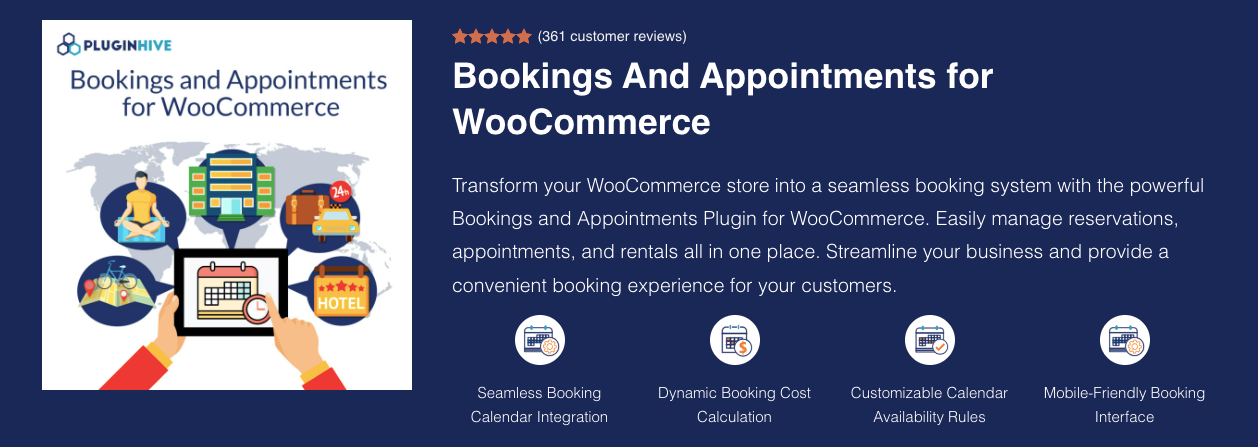
Bookings and Appointments for WooCommerce by PluginHive is a flexible scheduling plugin that supports a wide range of booking needs, including appointments, rentals, classes, events, and services. It offers multiple booking types, advanced availability controls, and strong calendar integrations, making it suitable for salons, hotels, consultants, rental businesses, and other service-based industries.
Key Features
|
Feature |
Description |
|
Multiple Booking Types |
Supports single-day, multi-day, hourly, start–end date, variable durations, recurring (add-on), and Multiple non-adjacent bookings (add-on). |
|
Dynamic Pricing |
Calculates pricing based on duration, number of people, added services, seasons, weekends, or specific dates/times. |
|
Availability Rules |
Block dates, time slots, weekdays/weekends, months, or custom seasons. |
|
Calendar Sync |
Two-way Google Calendar sync, plus iCal and Microsoft Outlook integration. |
|
Staff & Resource Management |
Assign staff members, rooms, or equipment with individual schedules and pricing logic. |
|
Customizable Calendar & Fields |
Customise calendar appearance and add extra form fields to collect additional details ( via PH product add-on). |
|
Email Notifications |
Automated confirmations, reminders, and cancellation notifications. |
|
Deposits Support |
Supports partial or security deposits through the PH Deposits plugin. |
|
Search Availability |
Allows customers to search based on preferred dates, services, or resources. |
|
Multi-Vendor Support |
Works with Dokan to manage vendor-level bookings. |
Pros
- Highly flexible booking structures
- Mobile-responsive interface
- Supports multilingual setups (WPML and Polylang compatible)
Cons
- Feature-rich, which may feel complex for basic use cases
Pricing: $149/year
2. WooCommerce Bookings (by WooCommerce)
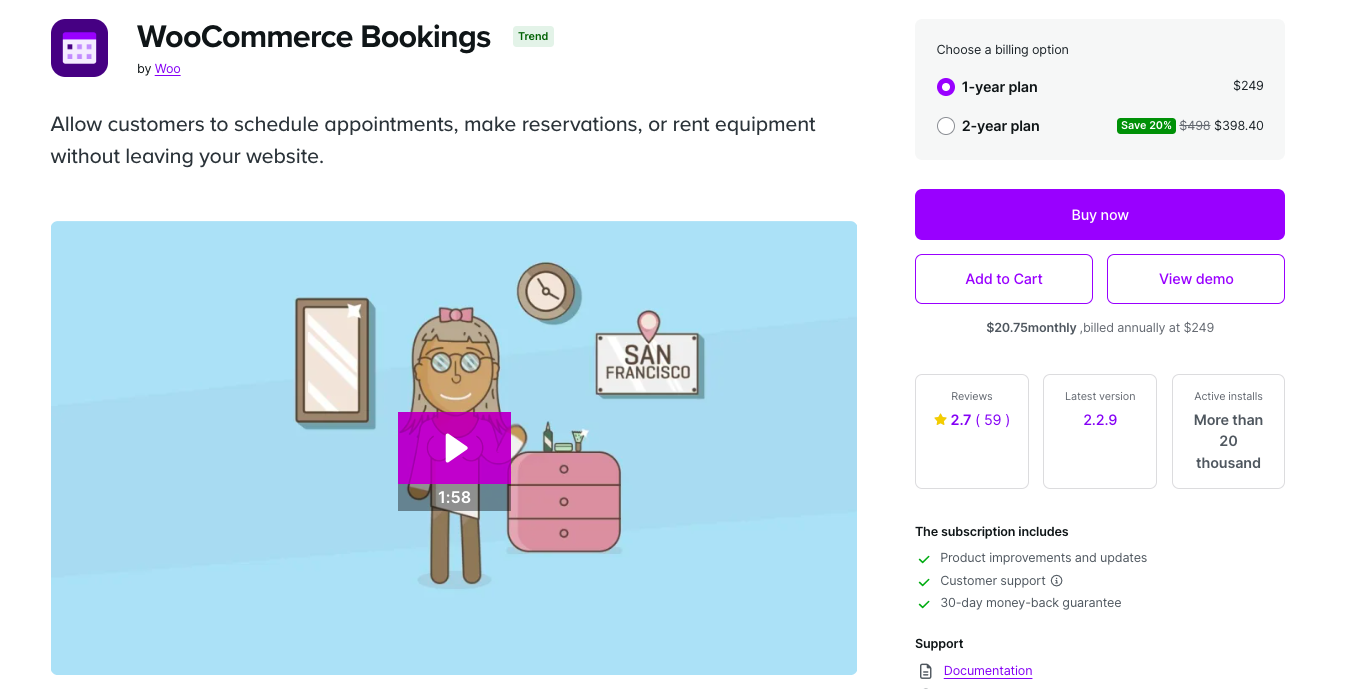
WooCommerce Bookings is the official WooCommerce scheduling plugin that enables stores to offer appointments, classes, tours, or rental bookings. It provides a clean, beginner-friendly interface with native WooCommerce compatibility, making it ideal for simple booking use cases.
Key Features
|
Feature |
Description |
|
Booking Types |
Book by day, hour, or minute. |
|
Customer Time Selection |
Customers choose available time slots. |
|
Fixed Booking Durations |
Ideal for tours, classes, and events. |
|
Availability Rules |
Block dates, hours, holidays, and add buffer time. |
|
Group Bookings |
Set minimum and maximum participants for group events. |
|
Special Pricing |
Group discounts, early-booking rates, weekend pricing. |
|
Time Zone Support |
Shows availability in customers’ local time zones. |
|
Booking Confirmation |
Optional admin approval before confirming bookings. |
|
Cancellation Settings |
Allow or restrict cancellations. |
|
Email Notifications |
Sends automated confirmations and reminders. |
|
Resource Management |
Prevent double bookings of shared resources. |
|
Calendar View |
Daily/monthly calendar options for booking management. |
|
Manual Bookings |
Add bookings manually for offline customers. |
|
Google Calendar Sync |
Sync bookings to Google Calendar. |
Pros
- Simple and easy to use
- Official WooCommerce support
- Clean, minimal interface
Cons
- Limited customization compared to competitors
- One-way Google sync only
- More expensive
Pricing: ₹22,609/year (≈ $249)
3. YITH Booking and Appointment for WooCommerce
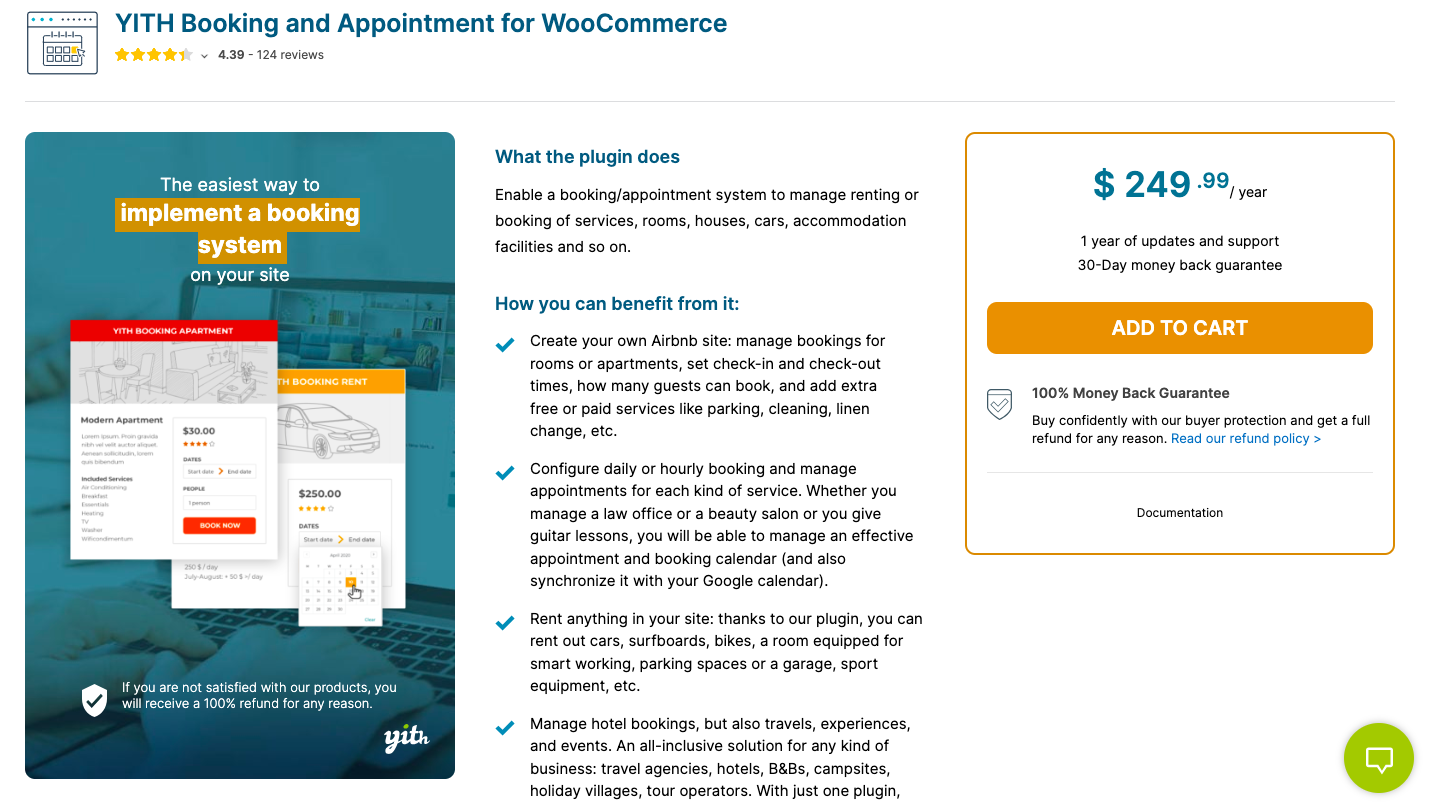
YITH Booking and Appointment for WooCommerce is a comprehensive booking solution ideal for hotels, rental properties, experience bookings, and service providers. Its advanced pricing rules and multi-platform sync capabilities make it perfect for businesses managing multiple listings across Airbnb, Booking.com, and Vrbo.
Key Features
|
Feature |
Description |
|
Booking Duration |
Supports bookings by minutes, hours, days, or months. |
|
Resource & Personnel Management |
Assign staff, rooms, or person types like adults/children. |
|
Advanced Pricing Rules |
Seasonal pricing, weekday pricing, group pricing, and date-range rules. |
|
External Calendar Sync |
Sync with Google Calendar, Airbnb, Booking.com, and Vrbo. |
|
Minimum/Maximum Duration |
Set minimum and maximum booking lengths. |
|
Search & Filter Tools |
Users can search for availability by date, service, or resource. |
|
Email Notifications |
Automated booking emails and reminders. |
|
Multilingual Support |
Fully compatible with multi-language and multi-currency setups. |
|
Cancellation Settings |
Allow or limit cancellations based on policy. |
|
Extra Services |
Add paid add-ons or additional services. |
Pros
- Excellent for hotels & property rentals
- Strong third-party platform sync
- Flexible pricing options
Cons
- Higher cost
- Occasional theme compatibility issues
Pricing: $249.99/year
4. RnB – WooCommerce Booking & Rental Plugin

RnB – WooCommerce Booking & Rental Plugin is tailored specifically for rental businesses such as car/bike rentals, equipment hire, furniture rental, and more. It offers strong pricing logic, pickup/drop-off options, and inventory management.
Key Features
|
Feature |
Description |
|
Rental Product Type |
Adds a dedicated rental product option. |
|
Pricing Models |
Hourly, daily, flat-rate, seasonal, distance-based pricing. |
|
Inventory Management |
Track rental item availability and quantities. |
|
Request for Quote |
Customers can negotiate pricing. |
|
iCal Sync |
Helps prevent double bookings across platforms. |
|
Blocking Rules |
Block specific dates or time ranges. |
|
Pickup & Dropoff |
Specify times and locations for rental pickup/drop-off. |
|
Security Deposits |
Accept deposits for rental bookings. |
|
Extra Services |
Add optional accessories or services. |
|
Min/Max Duration |
Set minimum/maximum rental periods. |
Pros
- Best suited for rentals
- Strong inventory + pricing options
- Affordable
Cons
- Not built for appointment-based services
- UI is not as modern as alternatives
Pricing: $29 (one-time license)
5. Bookings for WooCommerce (by PluginRepublic)
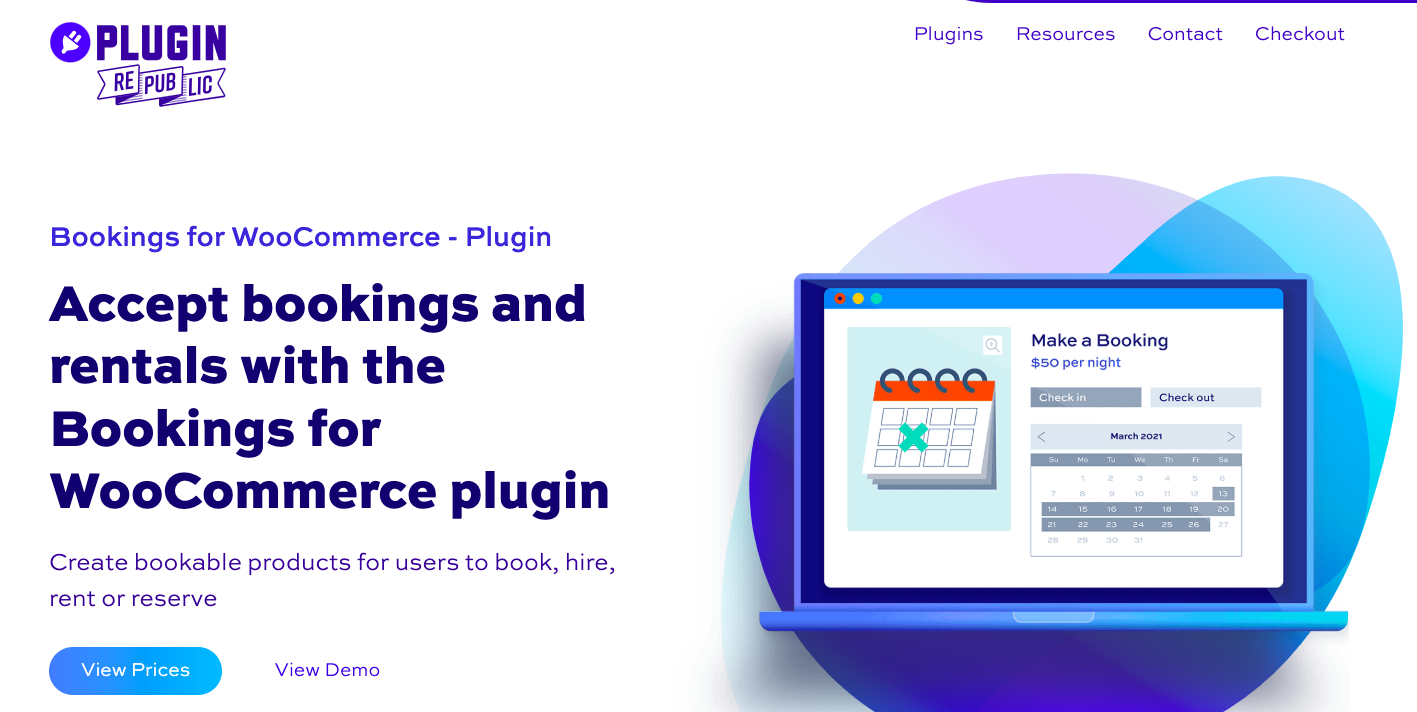
Bookings for WooCommerce by PluginRepublic focuses on rental-style bookings such as vacation properties, vehicles, and equipment. Its simple configuration and strong iCal sync make it ideal for rental businesses that list products across multiple platforms.
Key Features
|
Feature |
Description |
|
Convert to Bookable Product |
Convert any WooCommerce product into a booking item. |
|
Booking Types |
Supports hourly, daily, weekly, and nightly bookings. |
|
Global Calendar View |
View all bookings in one unified dashboard. |
|
iCal Sync |
Sync with Airbnb, Booking.com, and VRBO to avoid double bookings. |
|
Fixed Duration Support |
Useful for rental-based bookings with set durations. |
|
Availability Rules |
Block dates, time slots, or booking windows. |
|
Pricing Rules |
Duration-based and seasonal pricing. |
|
Manual Bookings |
Add bookings directly from the admin. |
|
Email Notifications |
Automated confirmations and updates. |
|
Multi-Site Licensing |
Basic & Pro versions available. |
Pros
- Built for rentals
- Reliable iCal sync
- Easy to configure
Cons
- Not ideal for service-based booking
- Limited support for minute/hour-based appointments
Pricing: Start at $59/year.
Plugin Comparison at a Glance
|
Plugin |
Best For |
Booking Types |
Calendar Sync |
Pricing |
|
PluginHive Bookings & Appointments |
Multi-staff services, mixed models |
Appointments, rentals, classes, events |
Two-way Google + iCal + Outlook |
$149/year |
|
WooCommerce Bookings (Official) |
Simple service bookings |
Day, hour, minute |
One-way Google |
~$249/year |
|
YITH Booking & Appointment |
Hotels, property rentals, multi-platform |
Hours, days, months |
Google + Airbnb + Booking.com + Vrbo |
$249.99/year |
|
RnB – Booking & Rental |
Equipment, vehicle, physical rentals |
Hourly, daily, flat-rate |
iCal |
$29 one-time |
|
Bookings for WooCommerce (PluginRepublic) |
Vacation rentals, multi-platform listings |
Hourly, daily, weekly, nightly |
iCal (Airbnb, Booking.com, Vrbo) |
From $59/year |
How Different Booking Businesses Use WooCommerce Plugins
The right plugin isn’t just about features; it’s about how your specific business type actually schedules, prices, and manages bookings day to day. Here’s how booking plugins map to real industry needs:
- Salons, Clinics & Personal Service Providers
Service businesses live and die by the accuracy of their calendar. When two clients show up for the same slot, or a team member’s availability isn’t updated after a leave request, the impact is immediate and customer-facing.
The core needs here are hourly or slot-based appointment booking, per-staff availability management, buffer time between sessions, and automated reminders that reduce no-shows. The plugin also needs to handle situations where a particular service is only available with a specific team member, not as a workaround, but as a configurable rule.
For these businesses, the booking experience on mobile matters just as much as the admin side. Most customers book from their phones, often outside business hours. A clunky or slow booking form loses the reservation before it’s made.
- Hotels, Resorts & Vacation Rentals
Hospitality businesses have a different set of problems. The core challenge isn’t staff scheduling; it’s keeping availability accurate across multiple listing channels simultaneously. A property listed on your WooCommerce store, Airbnb, and Booking.com can easily end up double-booked if the three calendars aren’t syncing in real time.
Beyond availability, pricing complexity is significant: room rates change by season, day of the week, occupancy level, and special date windows. The plugin needs to handle these pricing layers without requiring manual updates every time a rate changes.
Guest experience matters too; automated pre-arrival emails, check-in instructions, and cancellation handling all reduce the operational burden on property managers.
- Equipment, Vehicle & Furniture Rentals
Physical rental businesses deal with inventory, not calendars. The critical question is: Is this item available for the requested dates? How many units do we have? What’s the pricing for a 3-day versus a 7-day rental?
These businesses also typically need pickup and drop-off logistics, either fixed location selection or configurable time windows, and security deposit collection to cover potential damage. iCal sync matters here too, especially for businesses listing rental inventory across multiple platforms.
The booking flow needs to be clear about what’s being rented, for how long, and what the total cost is before the customer commits.
- Classes, Workshops & Training Centres
Education and event-based businesses need group booking logic above all else. A yoga class has 12 spots. A workshop has a minimum of 4 participants to run. A coding bootcamp runs every Tuesday for 8 weeks. These are fundamentally different scheduling requirements from one-on-one service appointments.
The plugin needs to support minimum and maximum participant counts, recurring session scheduling, and capacity management that updates in real time as bookings come in. Waitlist functionality is a useful addition for high-demand sessions.
Attendee tracking, knowing who is registered for which session, is also important for communications, reminders, and post-session follow-up.
- Multi-Vendor Service Marketplaces
Marketplaces that connect customers with multiple independent service providers need booking management at the vendor level, not just the store level. Each vendor needs their own availability calendar, their own services and pricing, and their own booking notifications, without being able to see or interfere with other vendors’ bookings.
This requires a booking plugin that is explicitly built for or compatible with multi-vendor platforms. Without that, the marketplace owner ends up managing bookings manually on behalf of vendors, which defeats the purpose of the platform entirely.
- Hybrid Models: Services + Rentals
Some businesses don’t fit neatly into one category. A photography studio might offer both hourly shoot bookings and equipment hire. A wellness centre might have treatment room bookings alongside equipment rental for home use. A co-working space might manage both desk bookings and meeting room reservations.
These hybrid models need a plugin flexible enough to handle different booking types, appointment-based and asset-based, under a single WooCommerce setup. Running two separate plugins for the two use cases creates synchronisation problems and a fragmented admin experience.
Final Thoughts
Online booking has become a baseline expectation for service businesses, not a premium feature. Customers expect to check availability, confirm a slot, and receive a confirmation, all without a phone call or a wait for someone to reply to an email.
WooCommerce, paired with the right booking plugin, can deliver that experience entirely from your existing store. The key is matching the plugin to how your business actually operates: the type of bookings you take, the number of staff or resources you manage, and the pricing logic your services require.
Get that match right, and your booking system runs quietly in the background, handling reservations, sending reminders, syncing calendars, and collecting payments while your team focuses on delivering the actual service.
Common Questions About WooCommerce Booking Plugins
1. Does WooCommerce support bookings out of the box?
No. WooCommerce handles product sales, payments, and order management natively, but it has no built-in scheduling, time slot management, or appointment functionality. A dedicated booking plugin is required to add that capability to your store.
2. Can customers pay at the time of booking through WooCommerce?
Yes, WooCommerce booking plugins collect payment through the standard WooCommerce checkout, which means your existing payment gateways (Stripe, PayPal, and others) work without any additional setup. Some plugins also support security deposit collection separately from the full booking amount, useful for rental businesses or high-value service bookings.
3. What’s the difference between a booking plugin and a rental plugin for WooCommerce?
Booking plugins are primarily designed for time-based service appointments, classes, and experiences, where a person or resource is reserved for a specific time slot. Rental plugins focus on physical asset availability, inventory tracking, and pickup/drop-off logistics, where a tangible item is being borrowed for a period and returned. Some plugins cover both models; others are purpose-built for one.
4. Do WooCommerce booking plugins work on mobile?
Yes, all established WooCommerce booking plugins produce mobile-responsive booking forms. The quality of the mobile experience varies between plugins, but modern options are designed with mobile-first booking in mind, given that the majority of online bookings now happen on smartphones.
5. How does calendar sync work with WooCommerce booking plugins?
Most booking plugins offer Google Calendar sync, which exports bookings from WooCommerce to a Google Calendar. Two-way sync, where changes made in Google Calendar also update WooCommerce availability, is more capable and reduces the risk of discrepancies. For rental businesses listing on platforms like Airbnb or Booking.com, iCal sync is the standard for keeping availability consistent across channels.
6. Can a WooCommerce booking plugin handle multiple staff members?
Yes, most mid-to-advanced booking plugins support staff or resource management, where each team member or bookable unit has its own availability calendar, assigned services, and pricing rules. This is essential for salons, clinics, and any service business where bookings need to be tied to a specific person rather than a generic time slot.